The photobooth that turns any tablet into an AI photo experience
Guests tap, pose, and get a share-ready AI photo in about 30 seconds - blended into your own branded background. No photographer, no printer, no hardware to buy.
Credit packs from $9.99 - no subscription, no commitment.
Built by Oangle, a Singapore web development and design agency crafting tailored websites, e-commerce and interactive digital experiences for brands.
Every screen of your booth, designed by you.
Walk through your kiosk exactly as a guest sees it and make each screen yours - no templates to fight, no code, and nothing a guest can break.
- Walk your own flowEvery screen your guests see, in order - picker, camera, countdown, review, the wait, the finish. Click one, change it, watch it update.
- Move things where you want themDrag the camera, the Take Photo button and the 3-2-1 countdown anywhere on screen. Restack buttons, resize the layout, drop the card entirely.
- Your look, in every languageBackgrounds, fonts, colours, button images, your own wording in each guest language - and lead screens before the first tap.
- Works for every capture styleDesigns attach to the kind of screen, not the mode, so they carry across styles - including ones we haven't shipped yet. Copy a design to your next event in one click.
Put every guest's photo on the big screen
Open one link on any TV or projector at your venue and every photo taken at your event floats across it - seconds after it's taken, with the newest shown big first. Pick your own background in Booth Designer. Works with every capture style.
$8 / event, one-off


From tap to download in four steps
Set up once, then let guests run the whole experience themselves.
Set up your event
Create an event, choose one of ten capture styles, pick or upload a background, add your own intro screens, choose your kiosk's languages, and brand it to match your event in a couple of minutes.
Guests tap to begin
Point an iPad or any tablet at the room. Guests tap the screen, pick a background (or skip straight to the camera), and strike a pose - no app, no account, no photographer.
AI does the rest
In about 30 seconds, our AI transforms the guest's photo the way your event is configured - a clean face swap, a full identity transfer, a head attached onto a headless template, a totally random new scene, exactly what the guest typed in, or a clean headshot. Or skip the AI entirely with a classic photo strip.
Scan, download, share
A QR code appears on screen. Guests scan it with their own phone and download their photo directly - nothing to print, email, or wait for.
Ten ways to capture a guest photo
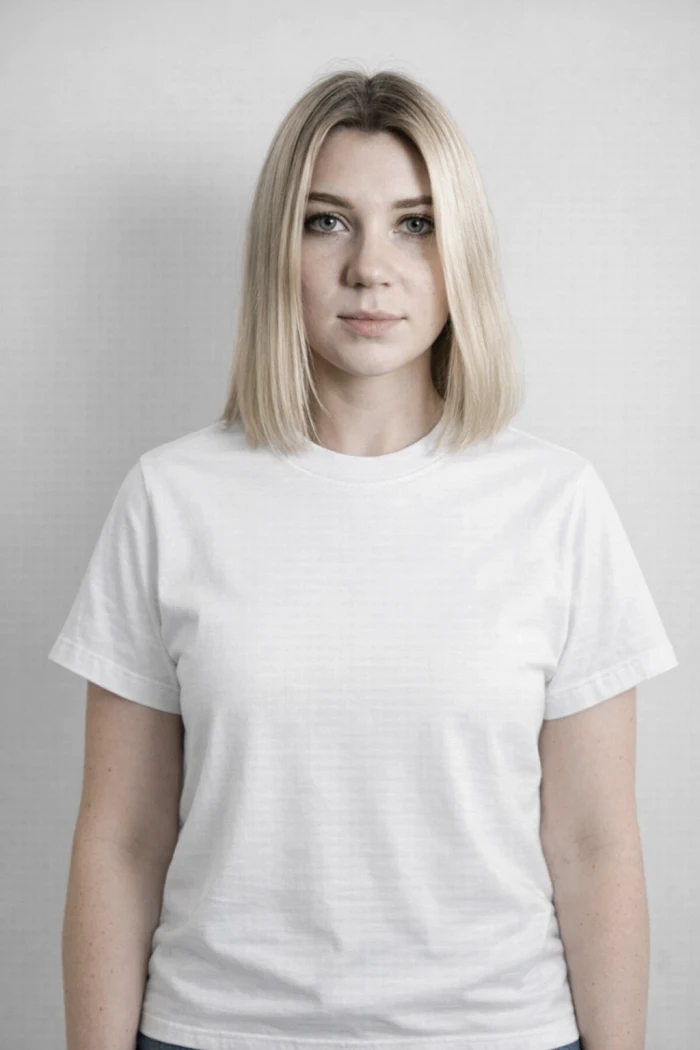
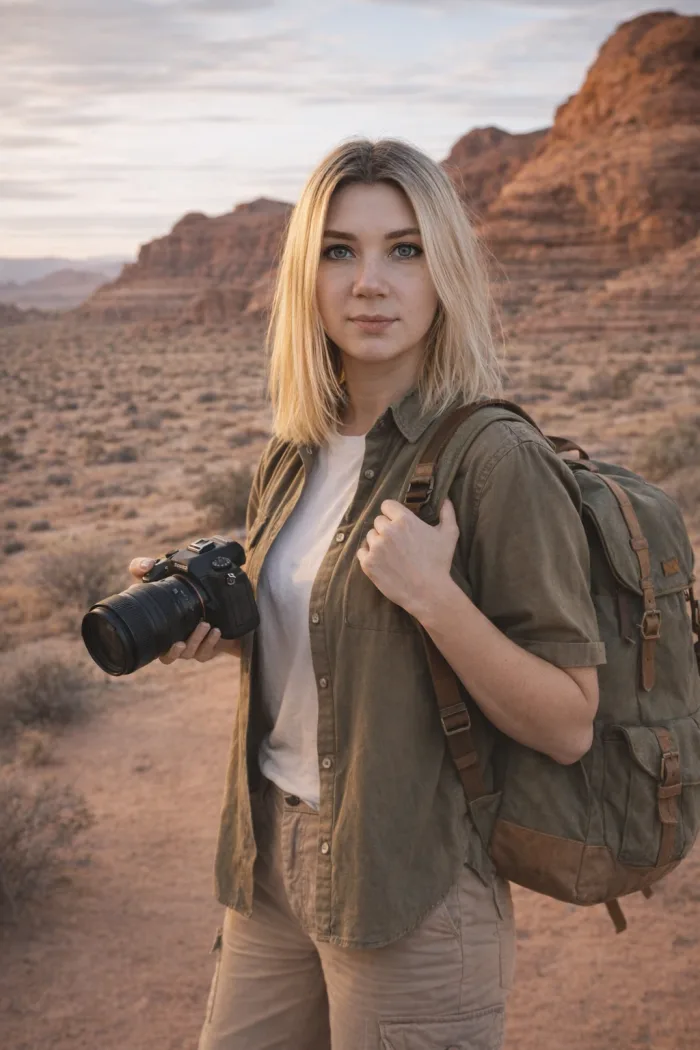
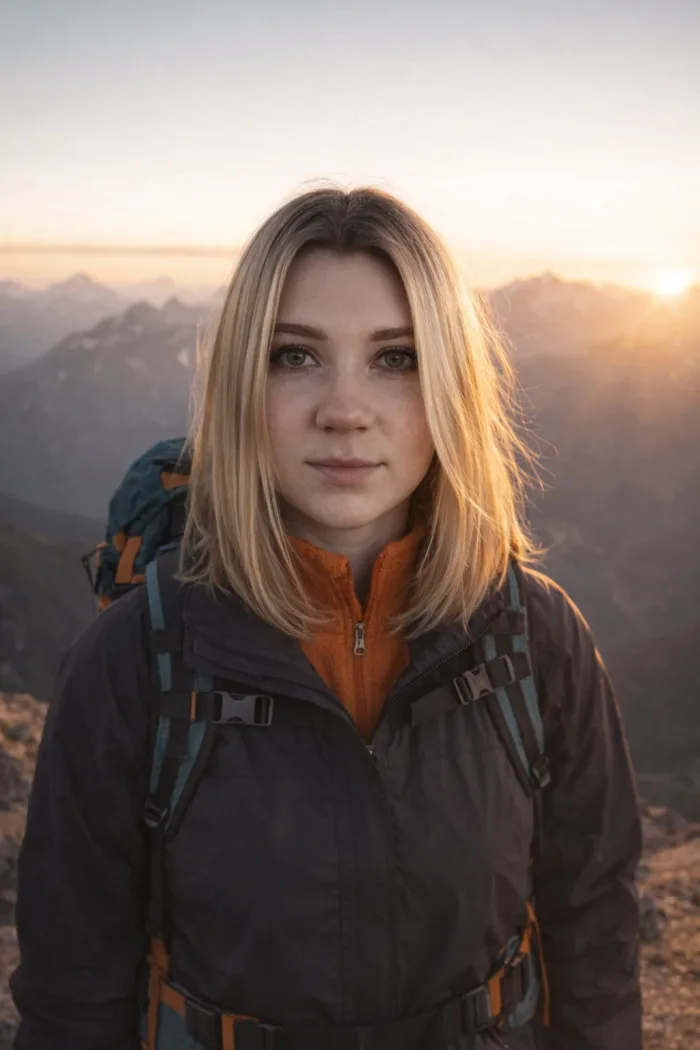
Every event picks one style. Real, unedited examples - same reference photo, ten different results.
 BeforeAfter
Face swap
A real photo background - only the face is swapped for the guest's. The background photo's own hair, expression, and everything else about the scene stays exactly as it is.
 BeforeAfter
Identity transfer
A total identity swap - the guest's face, hair, and expression fully replace the background photo's, while the scene, pose, and outfit stay exactly the same.
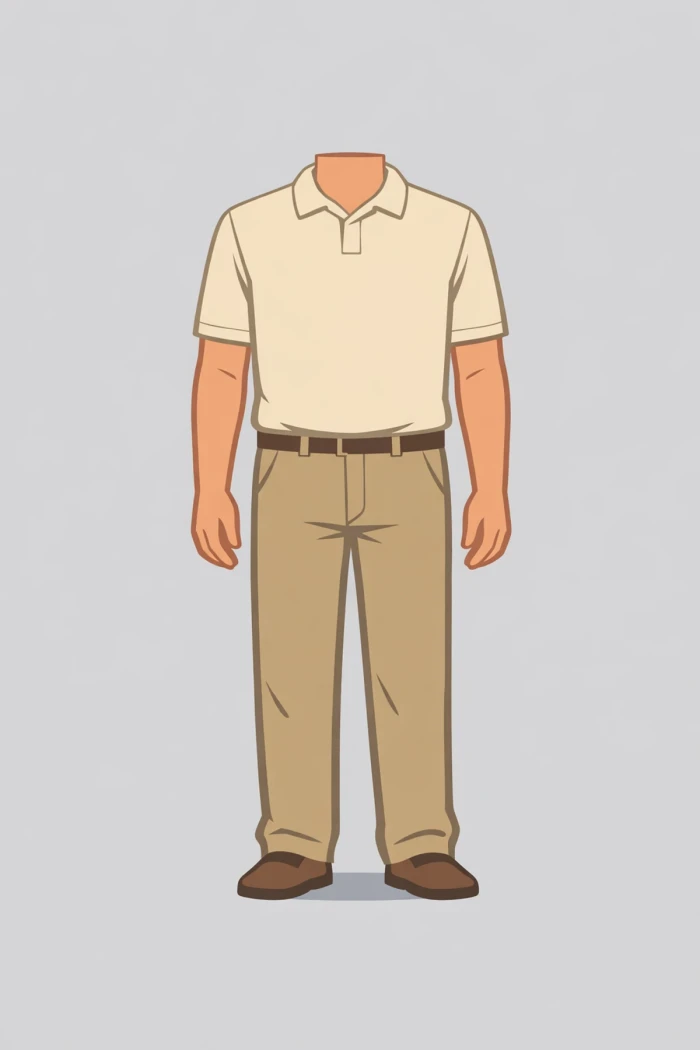 BeforeAfter
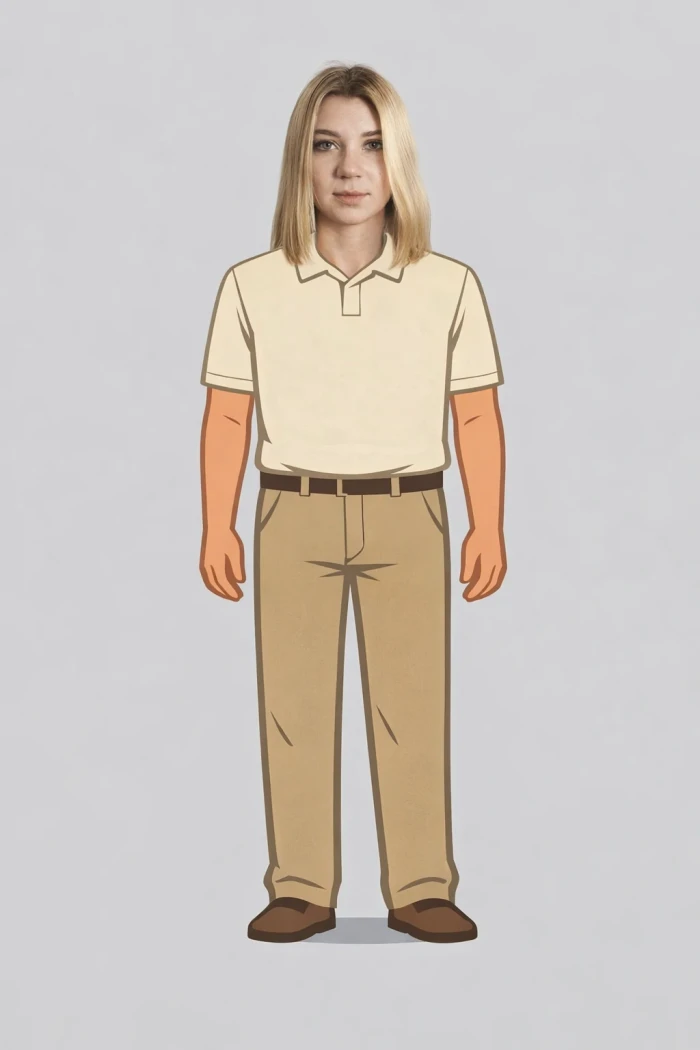
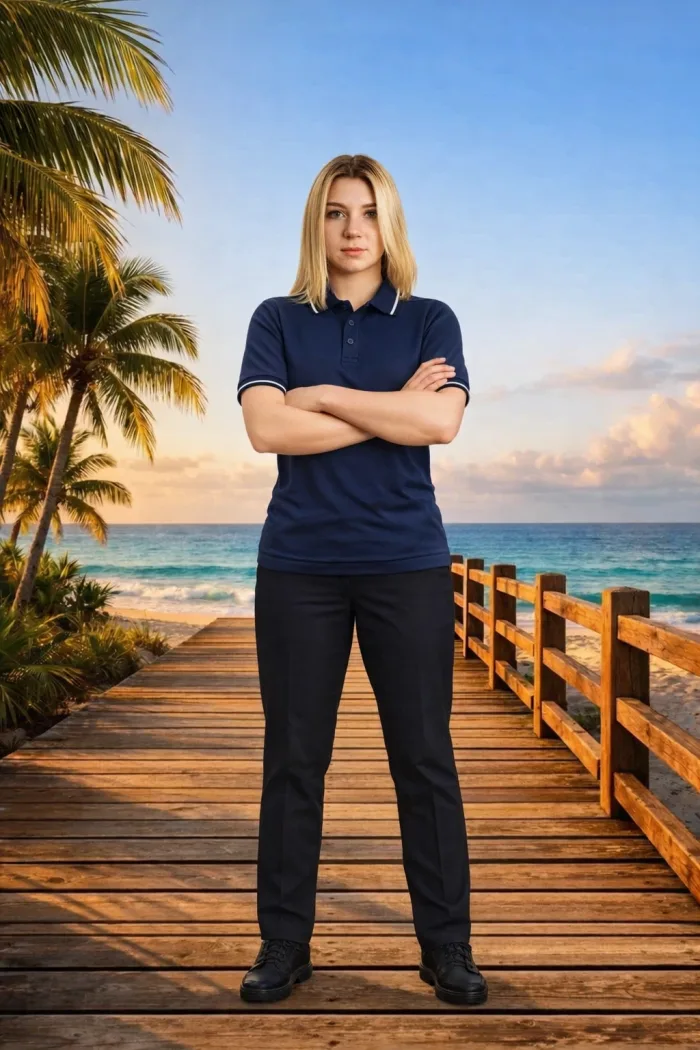
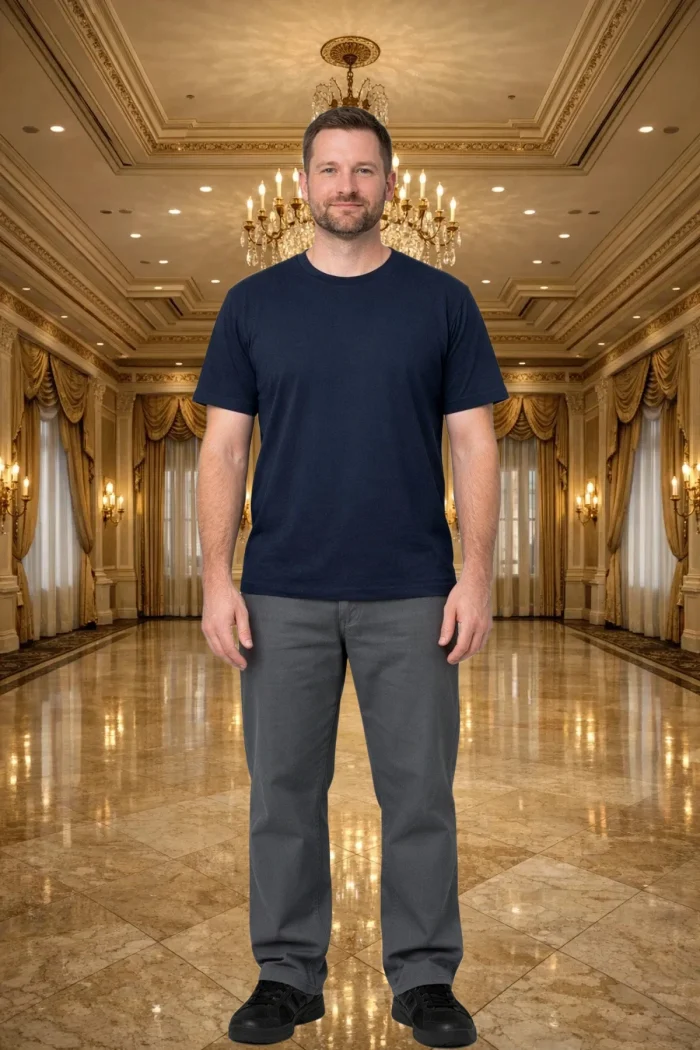
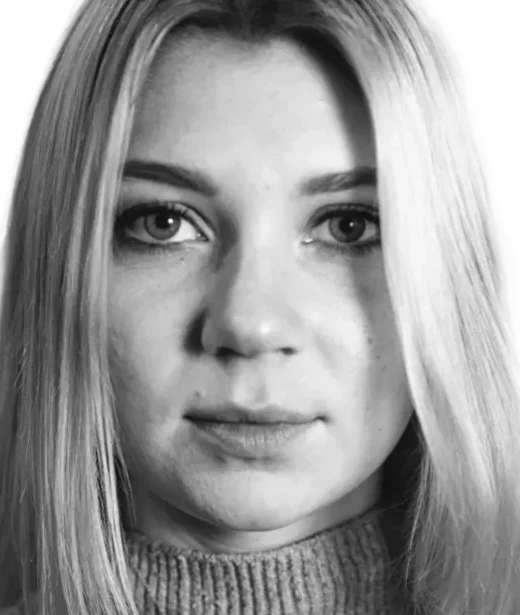
Headless head-attach
A headless body template - illustrated or a real photo - with the guest's photographic head attached seamlessly onto it. Perfect for branded uniforms and mascots.
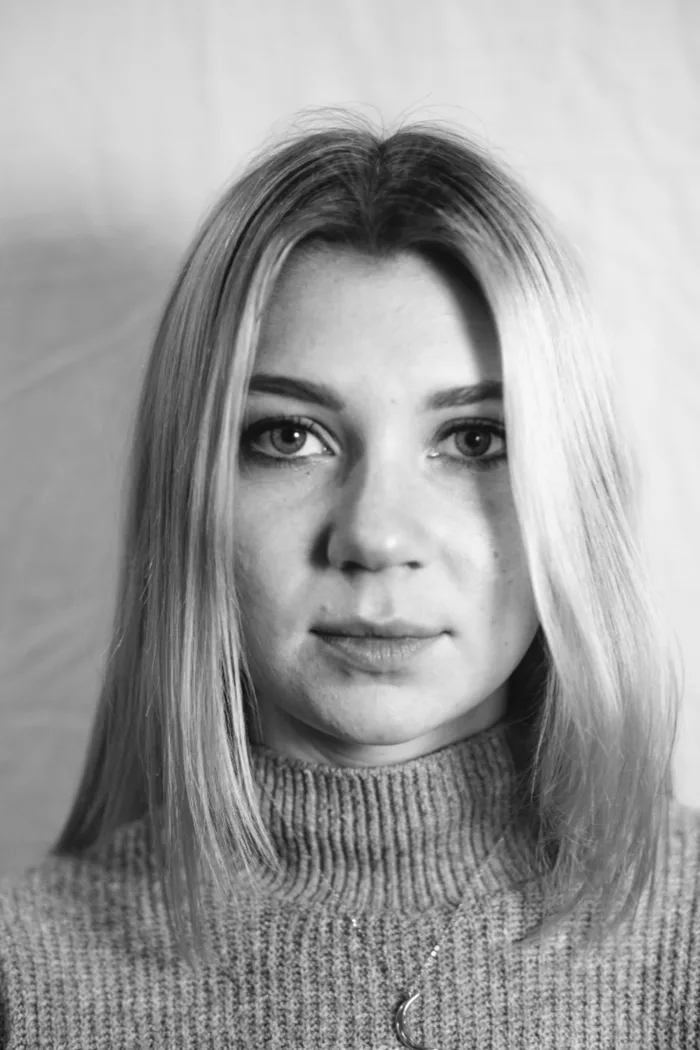 BeforeAfter
Full random
No background needed - a completely random new scene, pose, and outfit every time, with only the guest's identity carried over.
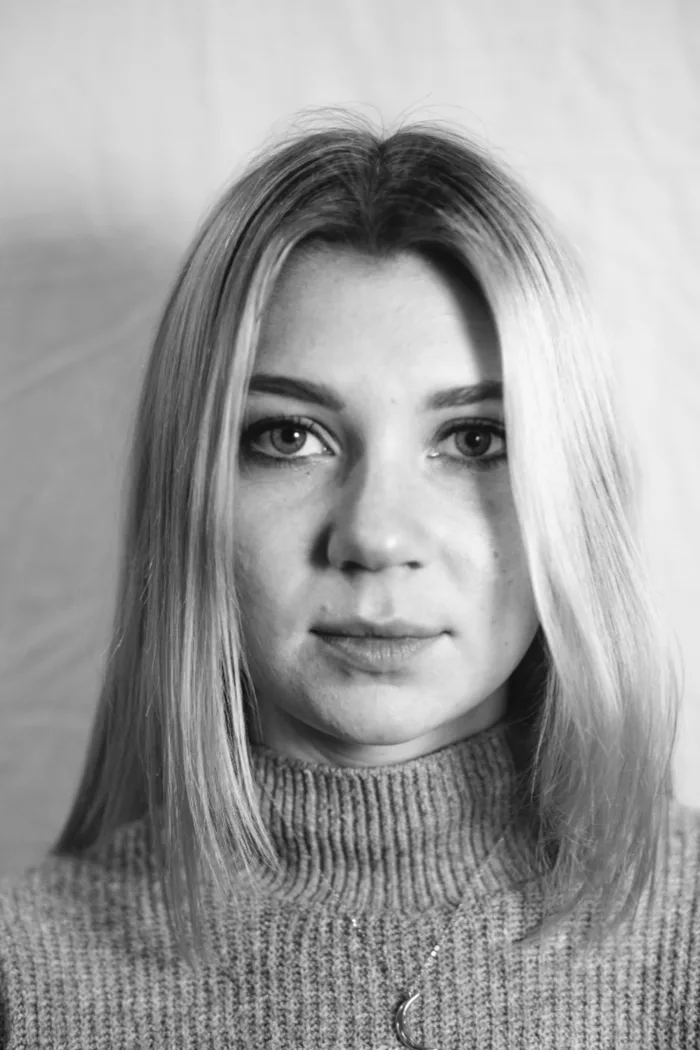 BeforeAfter
Self-prompt
No background needed - the guest describes the scene they want in their own words right after their photo is taken, and the AI builds exactly that.
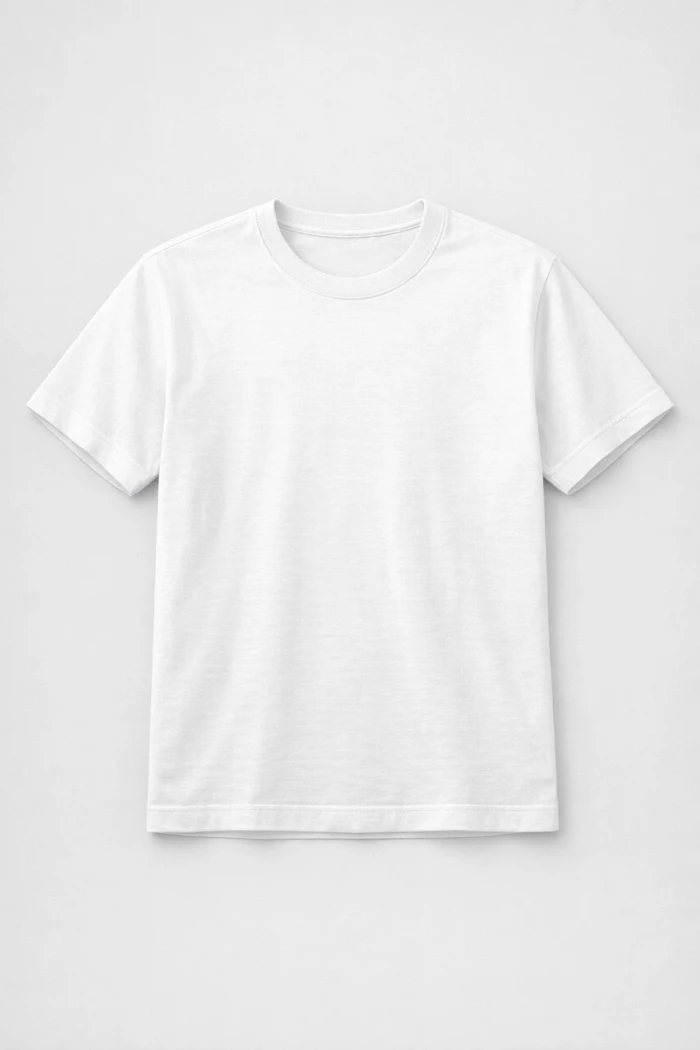 BeforeAfter
Apparel try-on
A garment laid out with no one wearing it - the guest's own face, hair, and body are mapped onto it, wearing it exactly as shown.
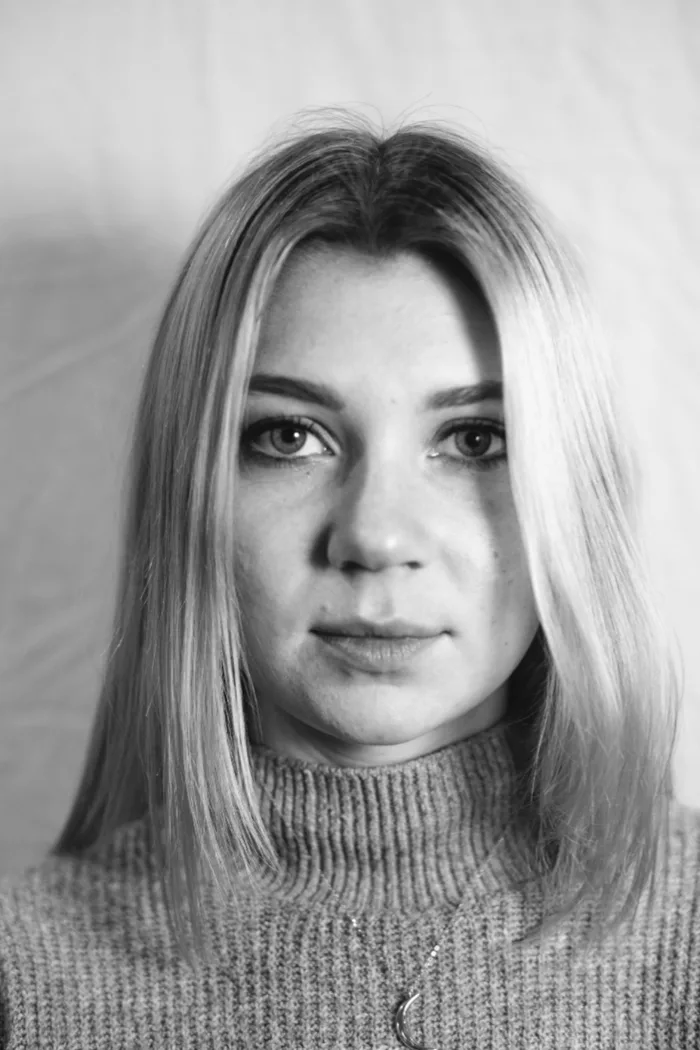 BeforeAfter
Headshot
No scene at all - the guest's photo with the background removed and cropped to their face, with adjustable padding. Clean, consistent, ready for a badge or a directory.
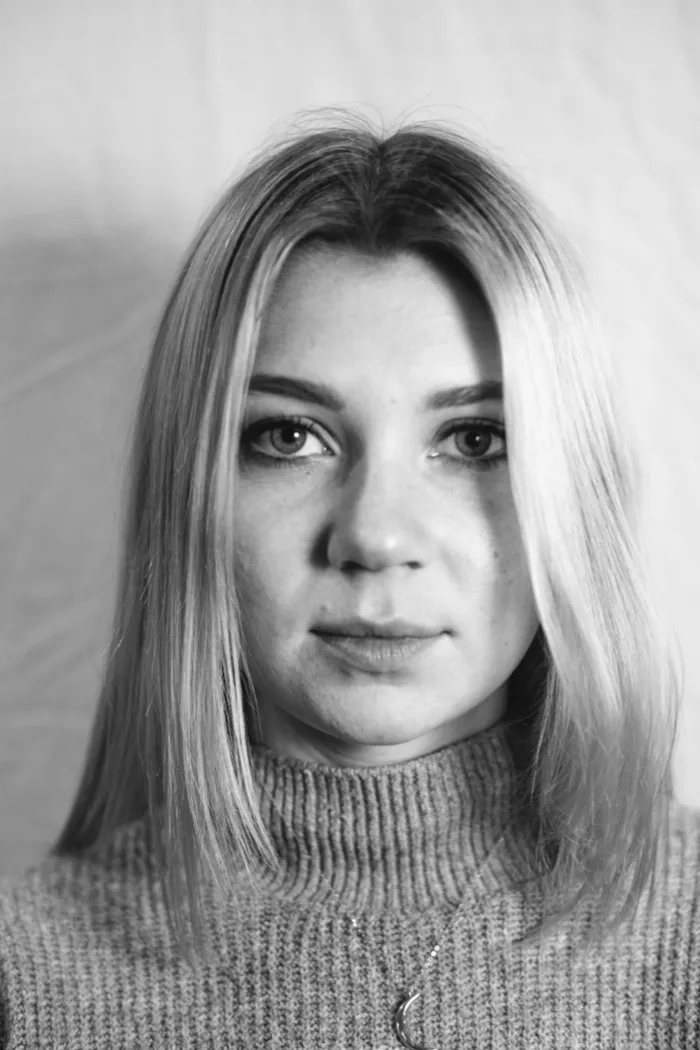 BeforeAfter
Combination
Three picks, one photo - the guest chooses a background, then a uniform, then a pose, and takes a full-body photo. The result is them in that uniform, striking that pose, in that scene.
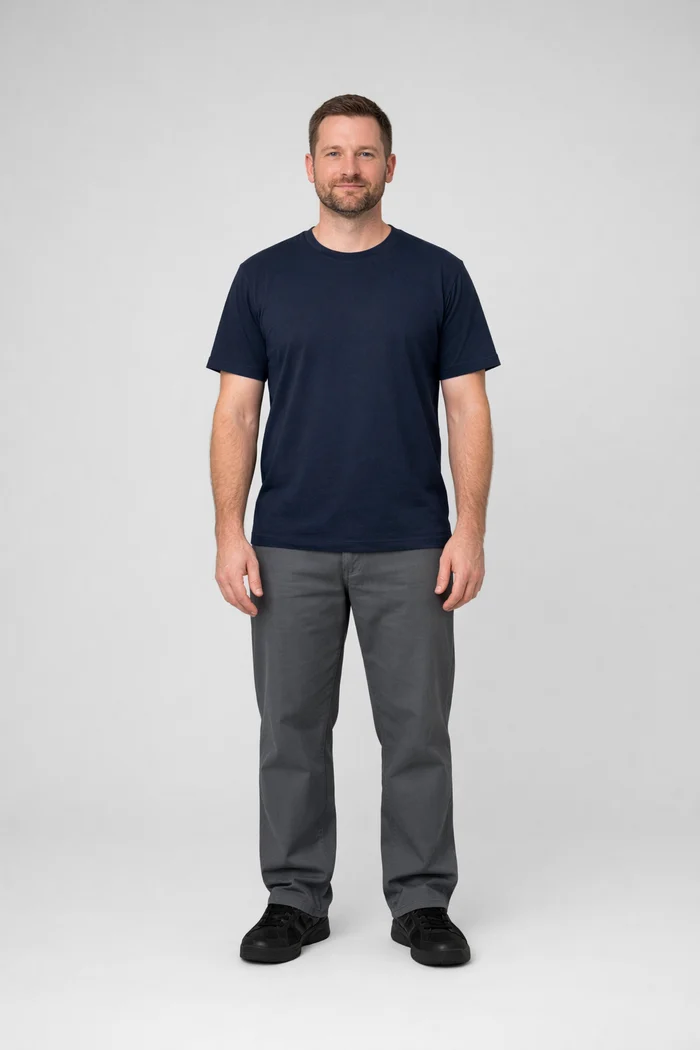 BeforeAfter
Teleport
No AI reimagining at all - the guest's own photo has its background removed and is dropped straight into the scene they picked. Their real face, their real outfit, exactly as captured, standing somewhere else. The cheapest style to run.
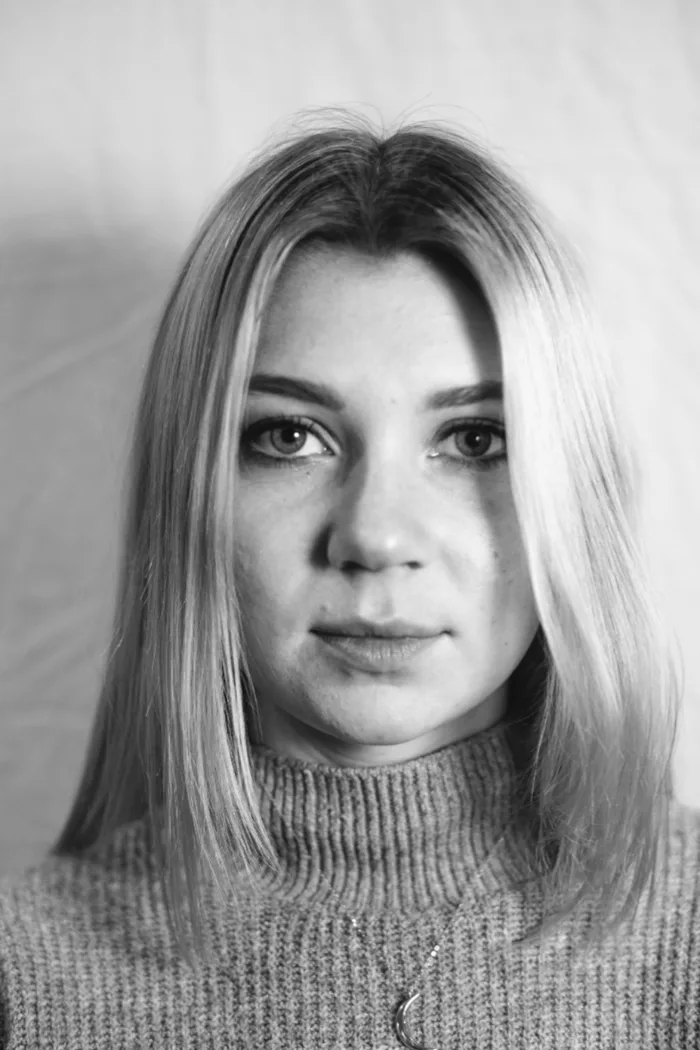 Before
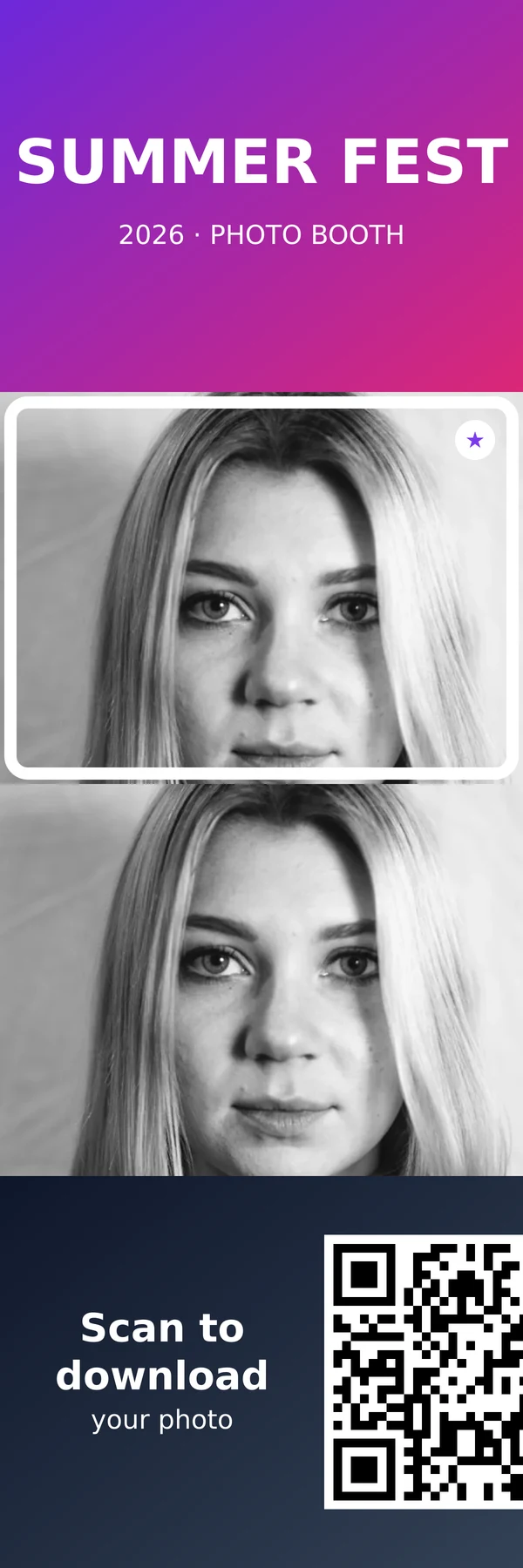 After
AfterPhoto strip
No AI - a classic photo strip of up to five stacked boxes, each either your own graphic (branding, sponsors, a scannable download QR) or a live photo the guest lines up inside your transparent overlay. The strip prints; the guest downloads an animated GIF of their photos.
Everything you need to run a photobooth, none of the hardware
Ten capture styles
Face swap, full identity transfer, headless head-attach, apparel try-on, full random, self-prompt, a clean headshot, a background + uniform + pose combination, or a no-AI classic photo strip - pick the style that fits your event, each priced separately. See real examples below.
Your branding, not ours
Upload your own backgrounds, add full-screen intro screens guests tap through before the booth starts, and pick which style your event uses. Every guest photo comes out matching your event or brand, not a generic template.
Multi-language kiosk
Offer your kiosk in up to four languages at once, so guests pick their own before they even take a photo.
Instant QR download
No printer queue. Guests scan a code with their own phone and their photo is theirs to keep, in seconds - or have it emailed to them from your own email account.
Pay only for what you use
Credit packs, not a monthly subscription. Buy once, use them across any of your events, and top up whenever you need to.
Live in minutes
No hardware to buy. Any tablet with a browser and a camera becomes a fully working photobooth kiosk the moment you go live.
Any of your transformation styles, by API
Send us a photo and get back the transformed result - no kiosk, no event required. Create a project, get an API key, and pick which of the transformation styles above it runs (including a clean, background-free headshot crop). Built for pulling employee/volunteer photos into a consistent result at any scale.
curl -X POST https://oobler.oangle.com/api/v1/generate \
  -H "Authorization: Bearer pb_live_..." \
  -F "[email protected]"

{
  "image": "<base64 png>",
  "contentType": "image/png",
  "width": 512,
  "height": 512,
  "mode": "headshot",
  "creditsUsed": 0.5,
  "creditBalance": 149.5
}
Simple, pay-as-you-go pricing
Buy a credit pack, spend it across any of your events. No subscription.
Starter
$9.99
10 credits
Party Pack
$39.99
50 credits
Pro
$129.99
200 credits
Frequently asked questions
No. Any tablet or laptop with a camera and a web browser works - point it at your kiosk device and go live. No app install, no dedicated hardware required.
You buy credit packs and spend them as guests take photos - the credit cost depends on which AI transformation style your event uses, from as little as 0.3 credits. No subscription, no per-event minimum. See the full pricing breakdown on our Pricing page.
30 days by default from the moment they're captured. You can extend specific photos individually at any time if you want them kept longer - $0.01 per photo per month, $1 minimum order.
Yes - guests never need an app or an account. They tap the kiosk screen to take their photo, then scan a QR code with their own phone's camera to download it.